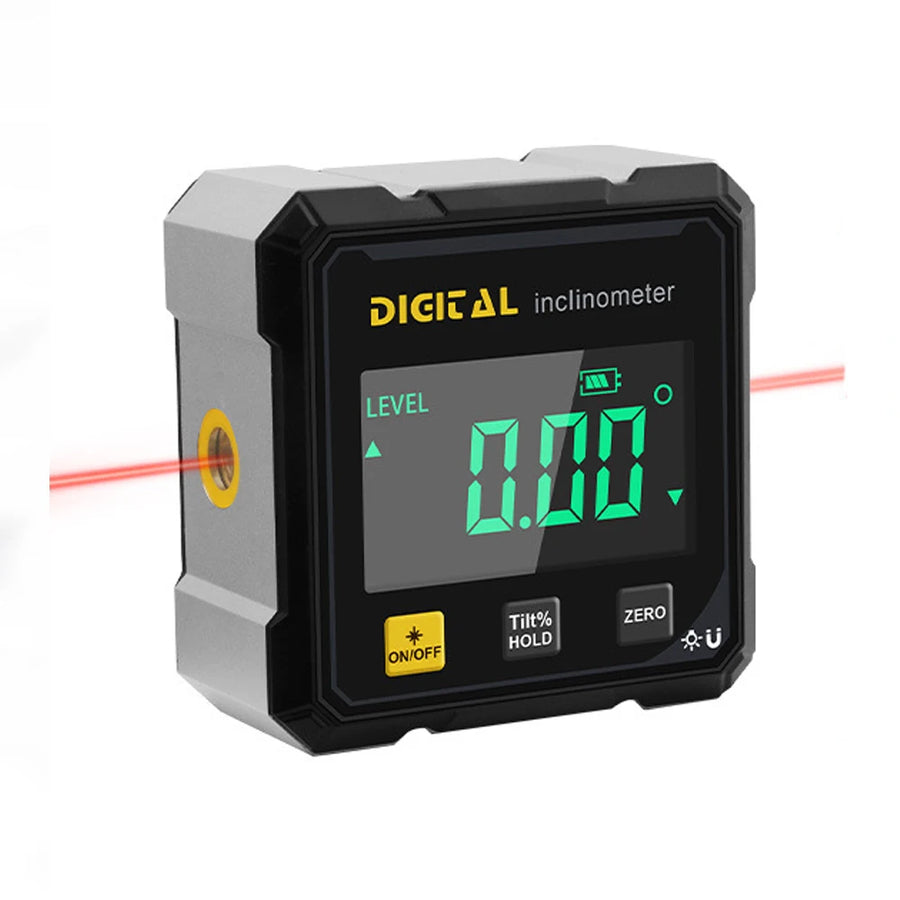
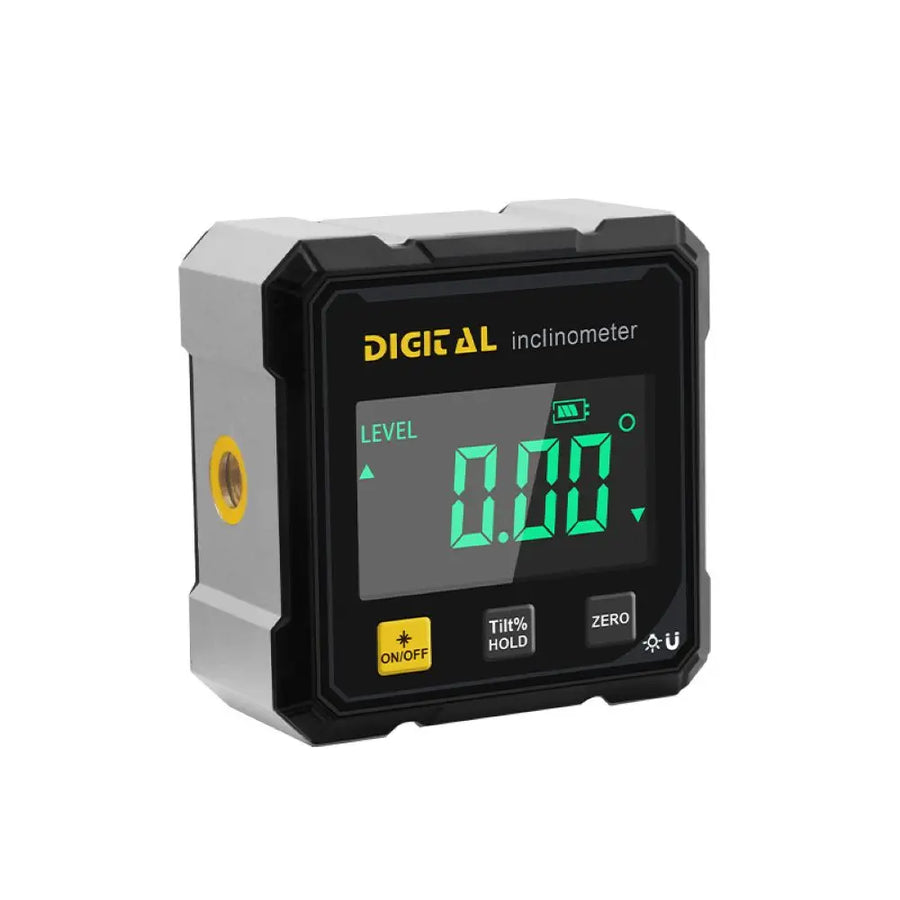
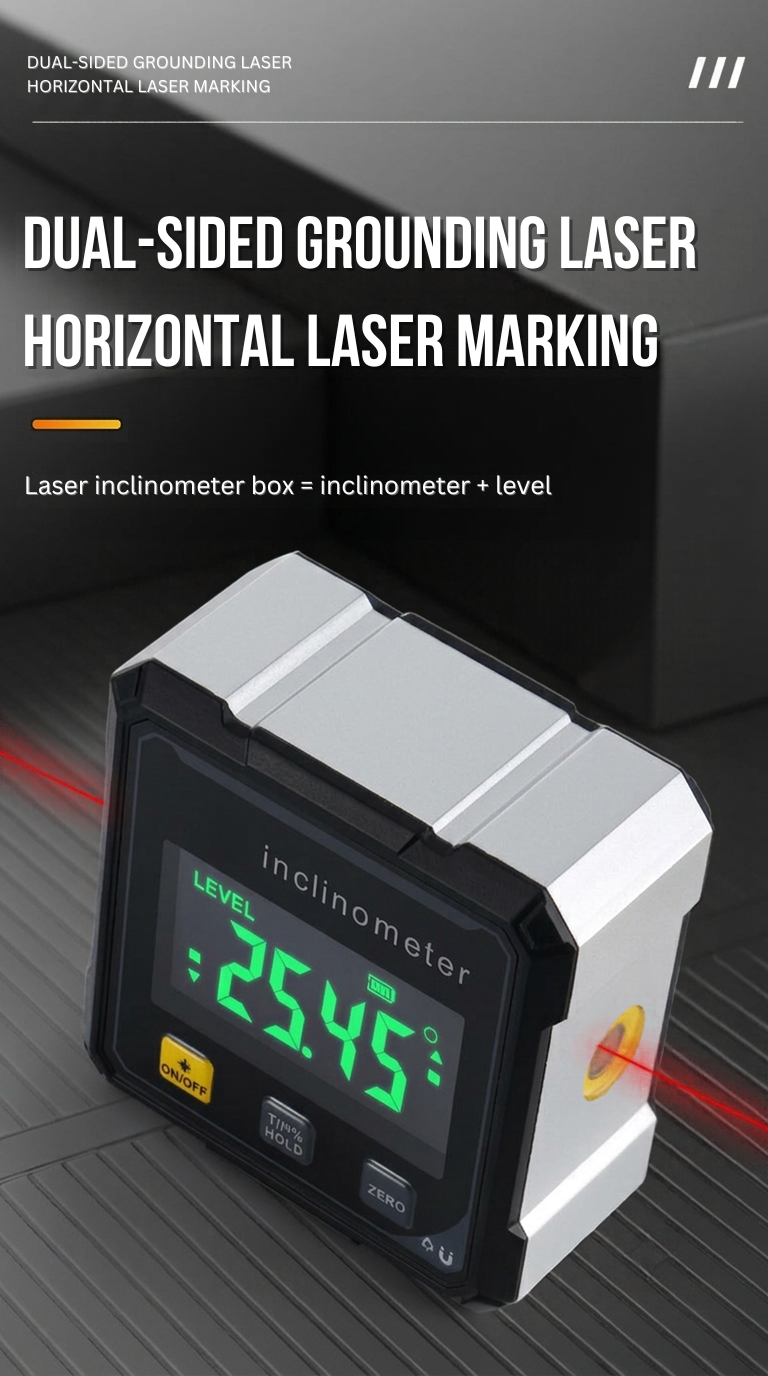
The digital angle finder reading 0.00 degrees, with a red laser line leaving each side
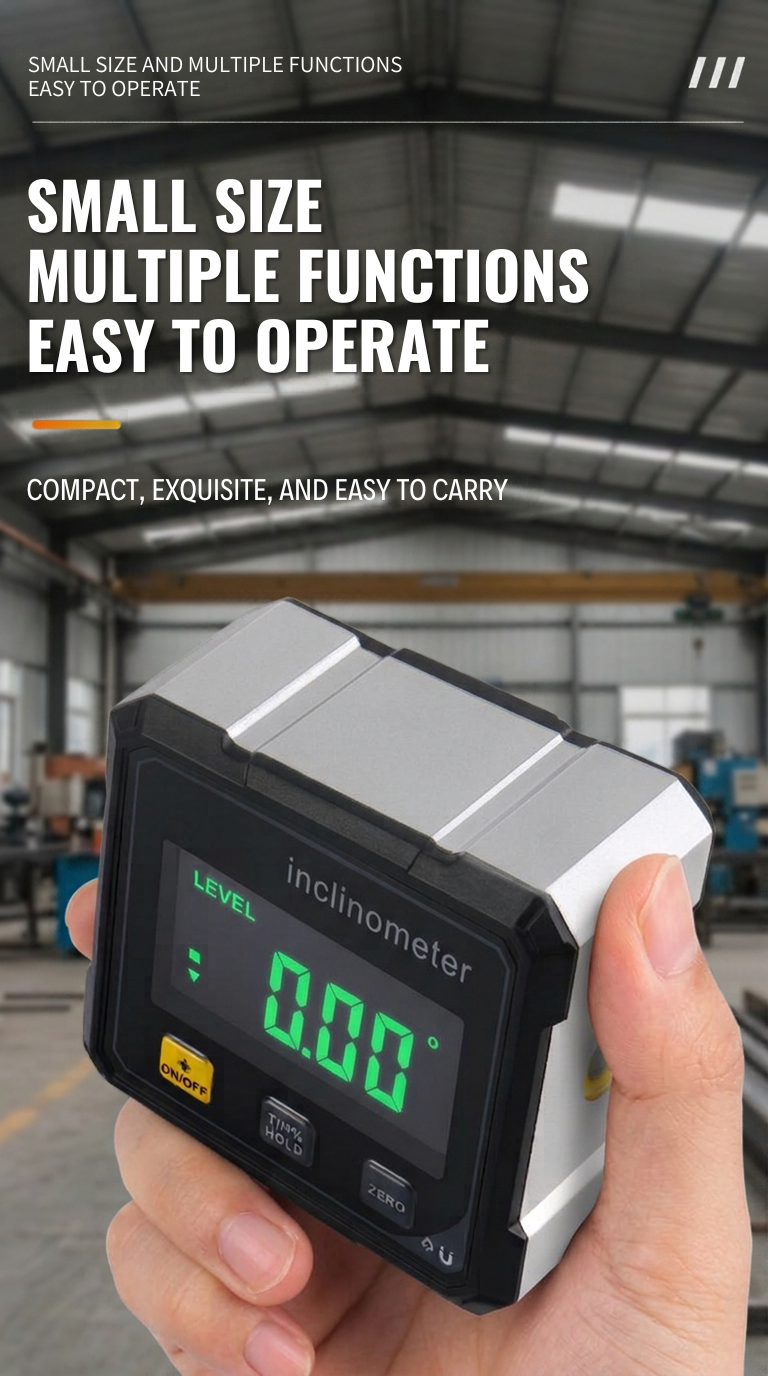
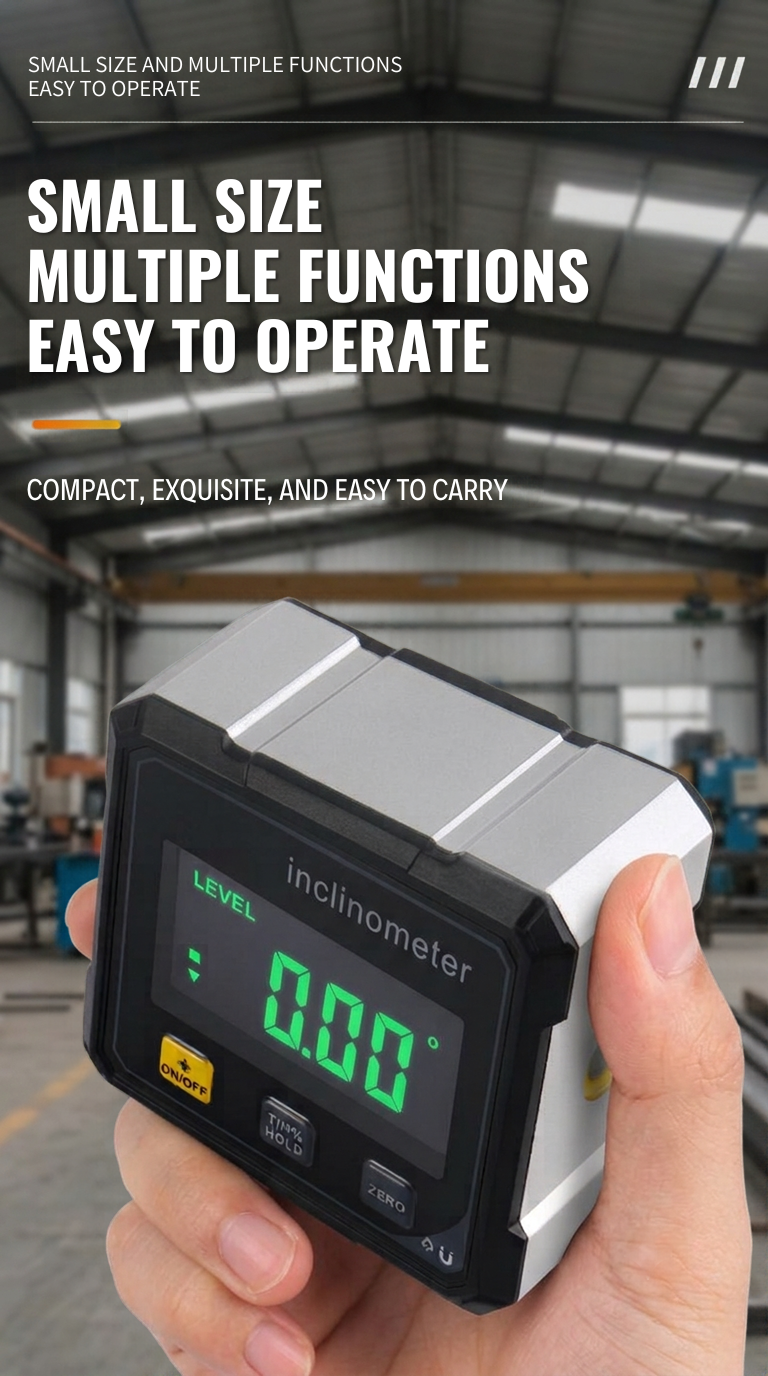
Hand holding the digital angle finder between thumb and fingers in a workshop, display reading 0.00°
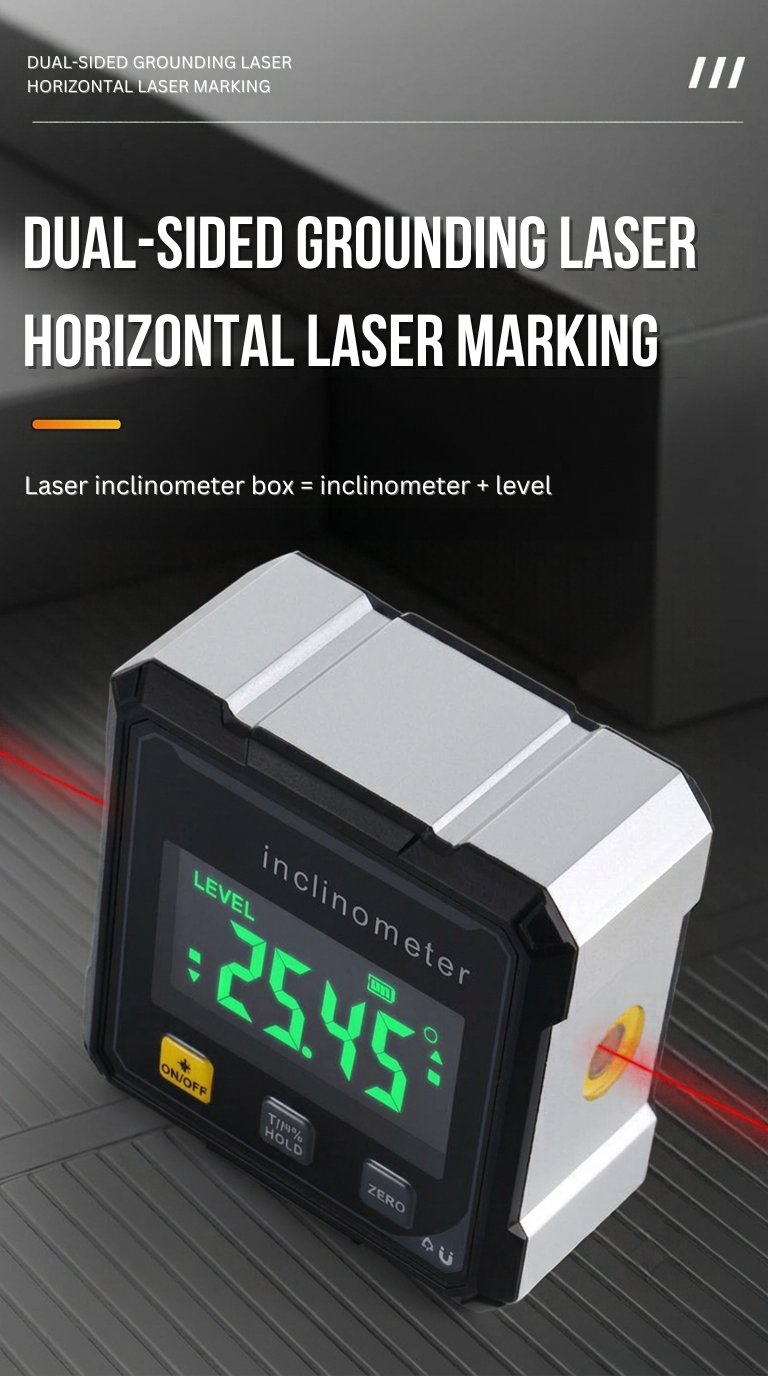
Digital angle finder on a dark ribbed floor with a red laser line leaving both sides of the body
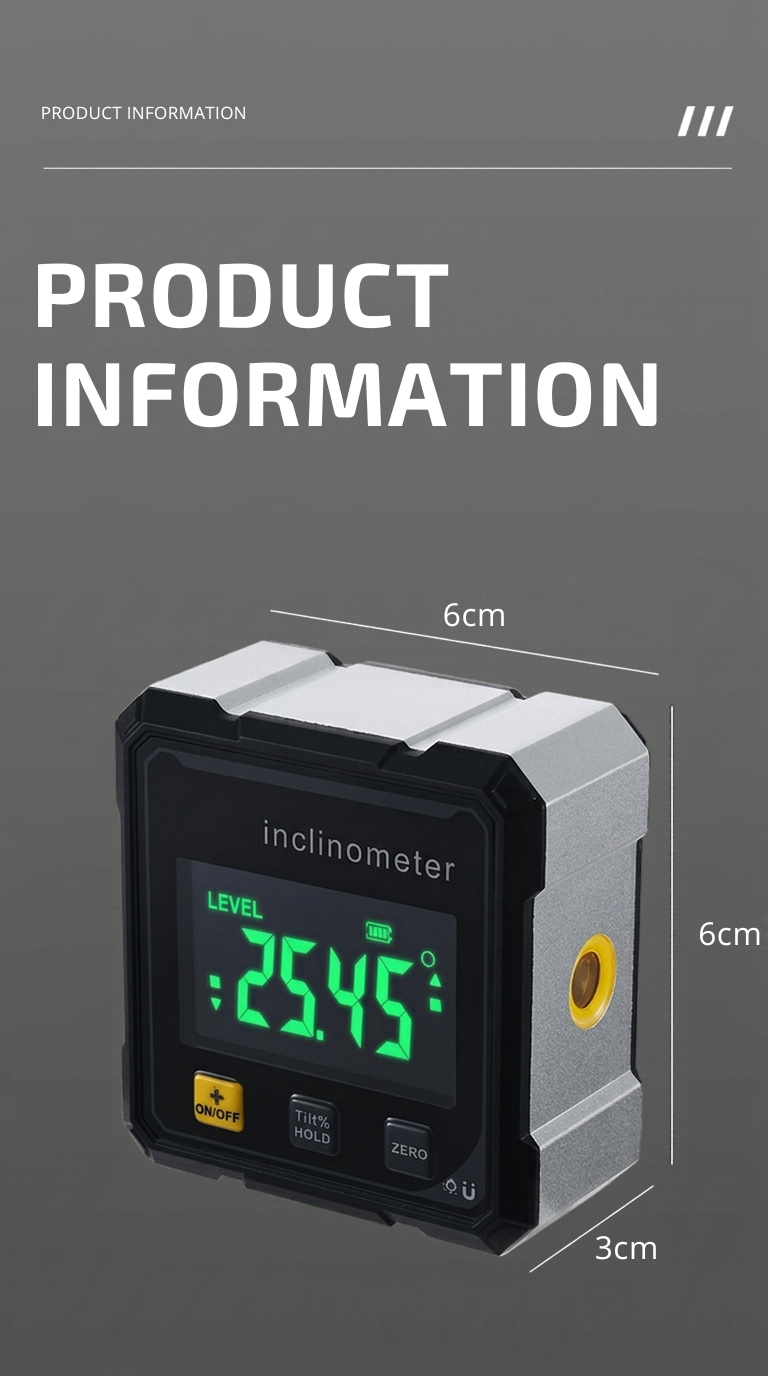
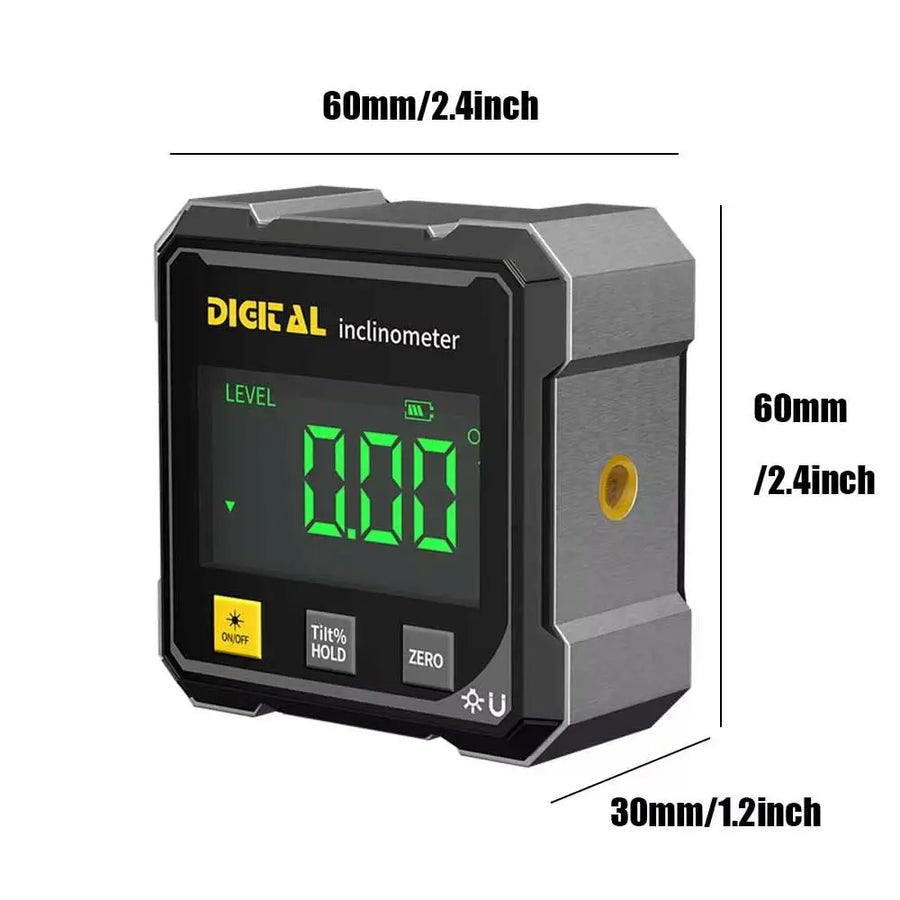
Digital angle finder with dimension lines marked 6 cm wide, 6 cm tall, and 3 cm deep
Dimensions of the angle finder: 60 mm wide, 60 mm tall and 30 mm deep (2.4 x 2.4 x 1.2 in)
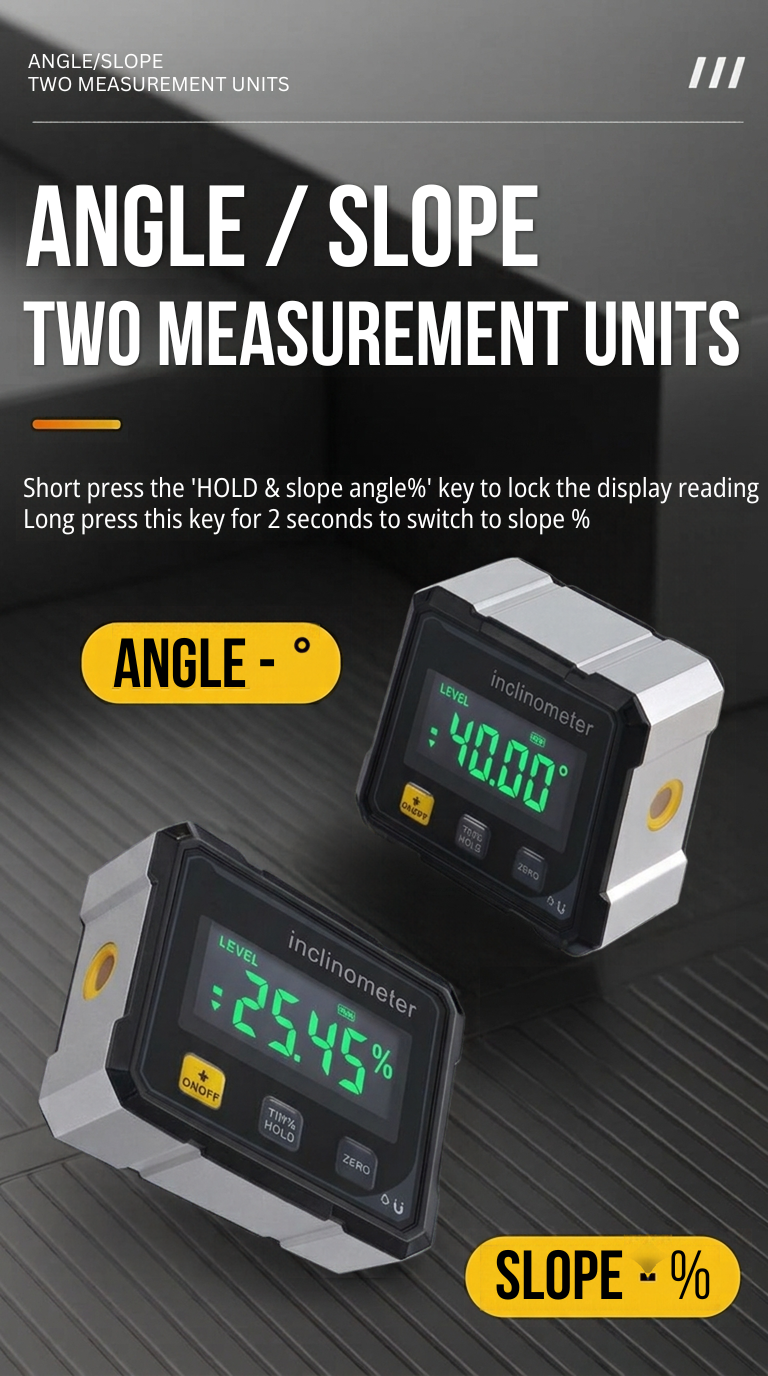
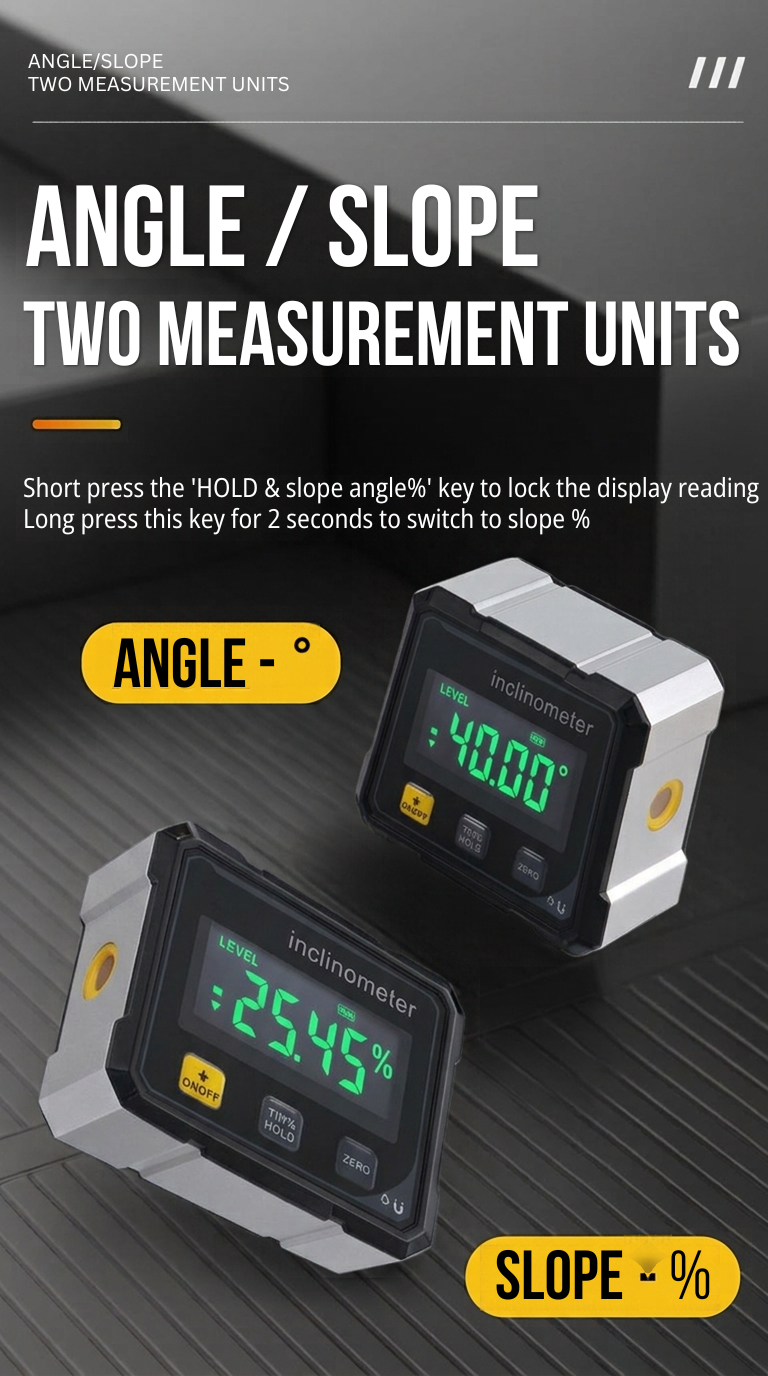
Two digital angle finders, one displaying 40.00° and one displaying 25.45%, with tags for angle and slope
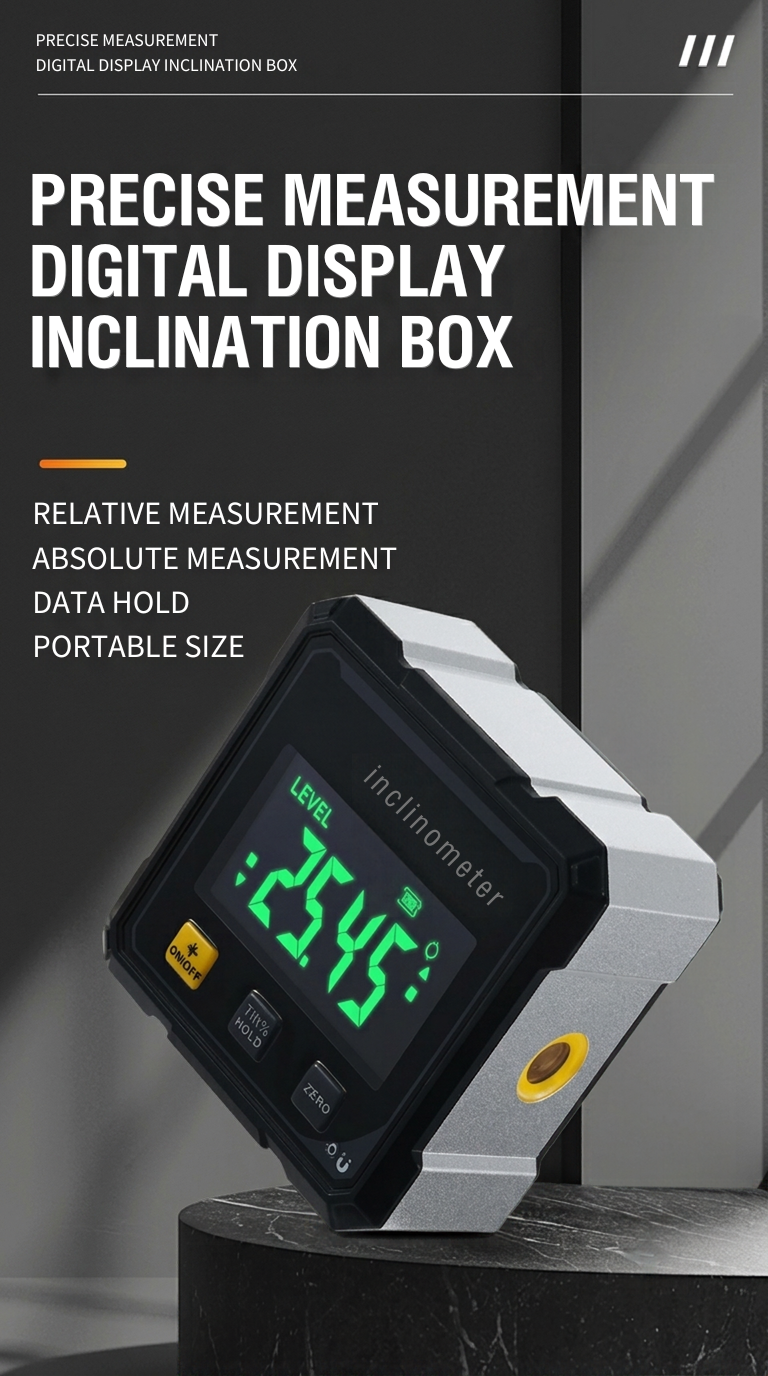
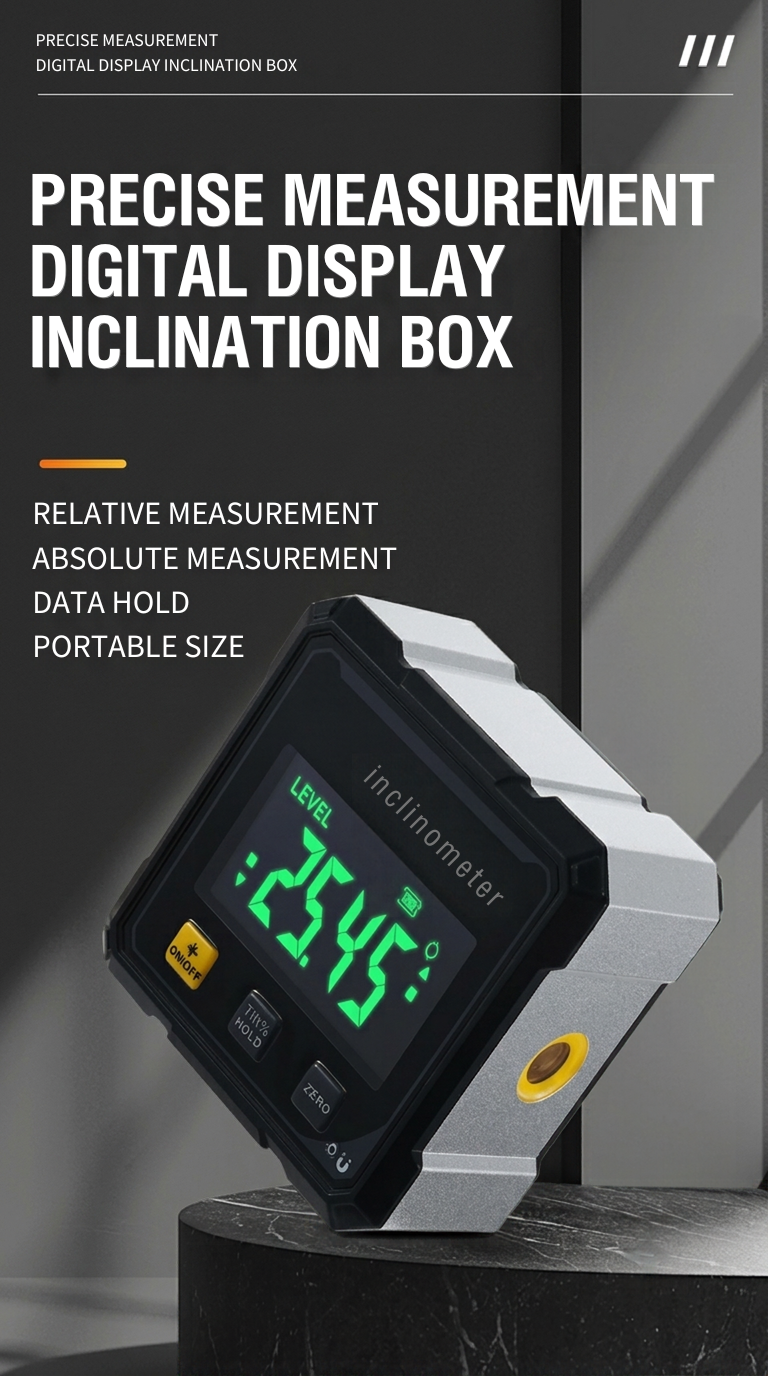
Digital angle finder with a silver body tilted on a dark stone pedestal, green display reading 25.45
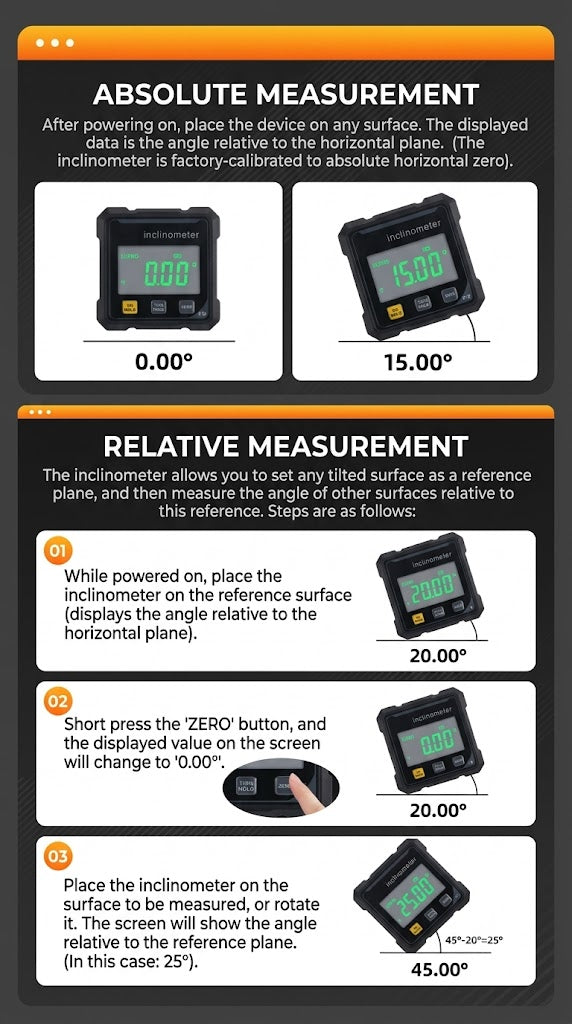
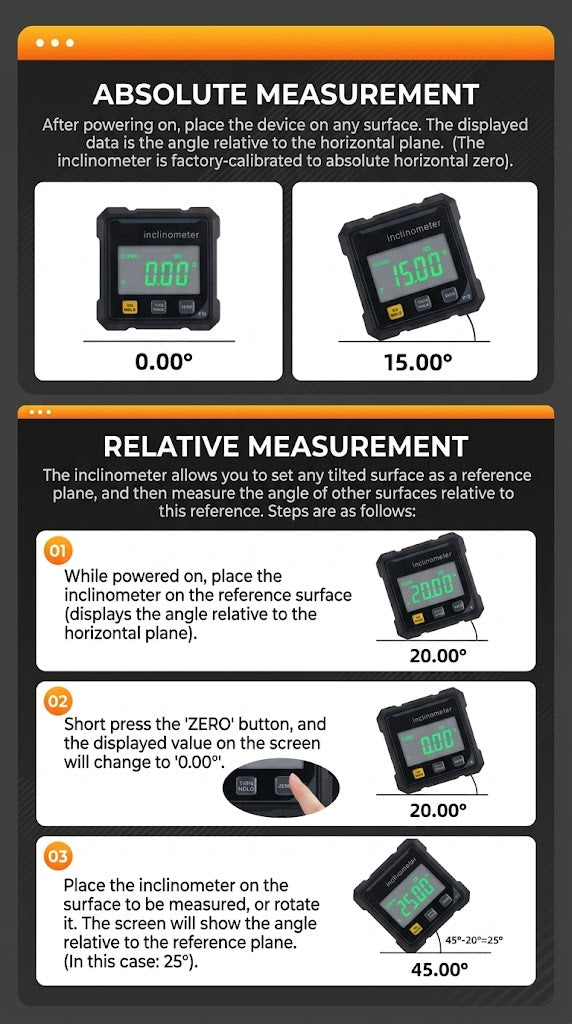
Diagram of absolute and relative angle measurement: unit at 0.00° and 15.00°, then three steps using the ZERO key
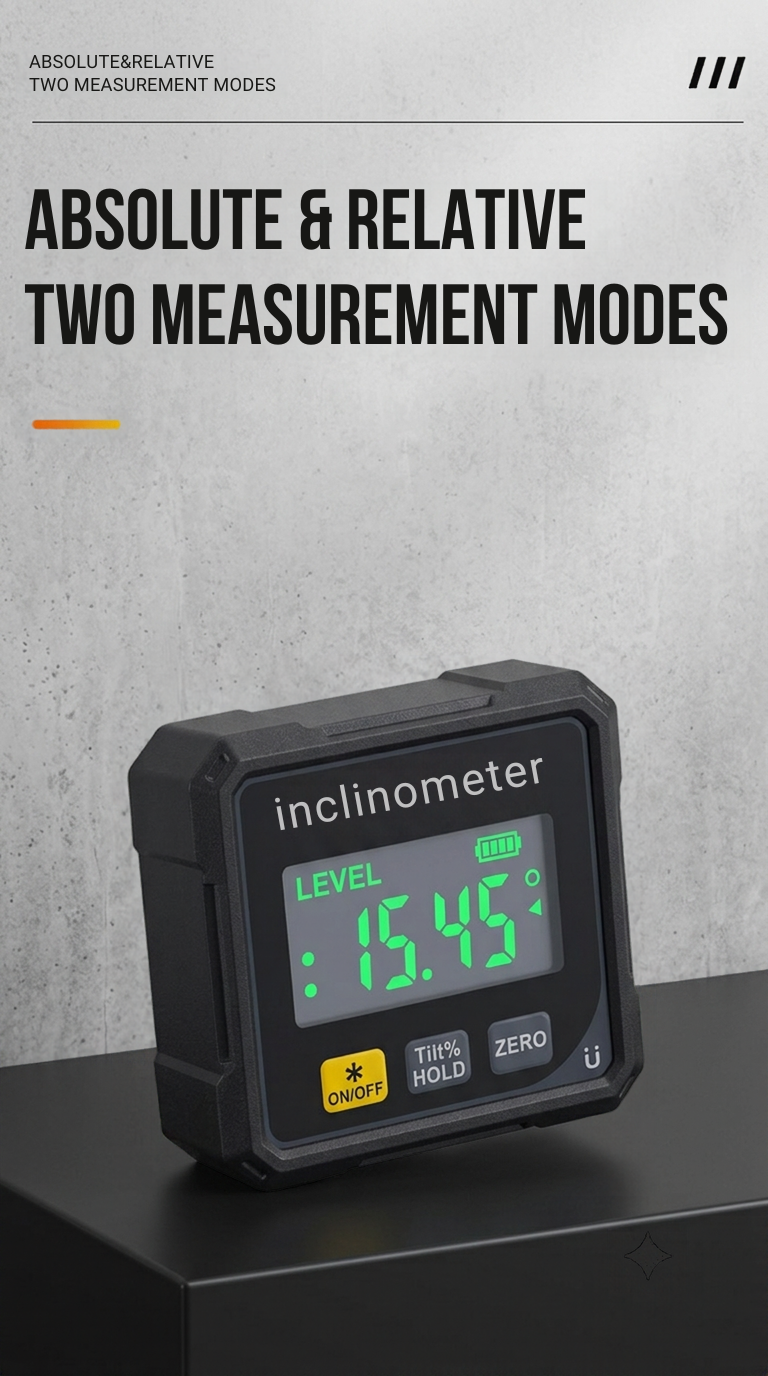
Digital angle finder standing on a black block against a concrete wall, display reading 15.45°
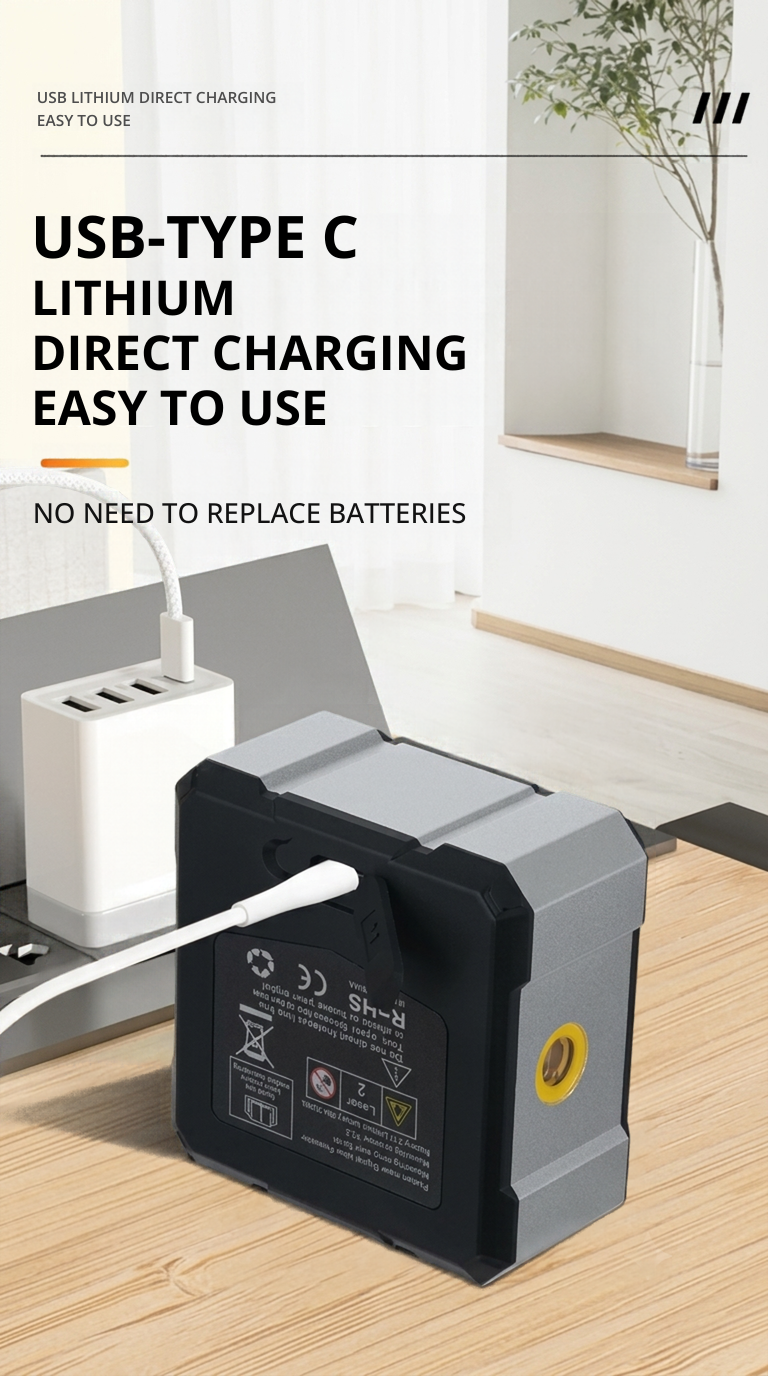
Back of the digital angle finder on a wooden desk with a white charging cable plugged in and a wall charger behind it
Digital angle finder in front of a clock graphic with the number 3, illustrating shut-off after 3 idle minutes
Eight angle finders placed around a steel ring in different orientations, with a close-up of one on a steel bar
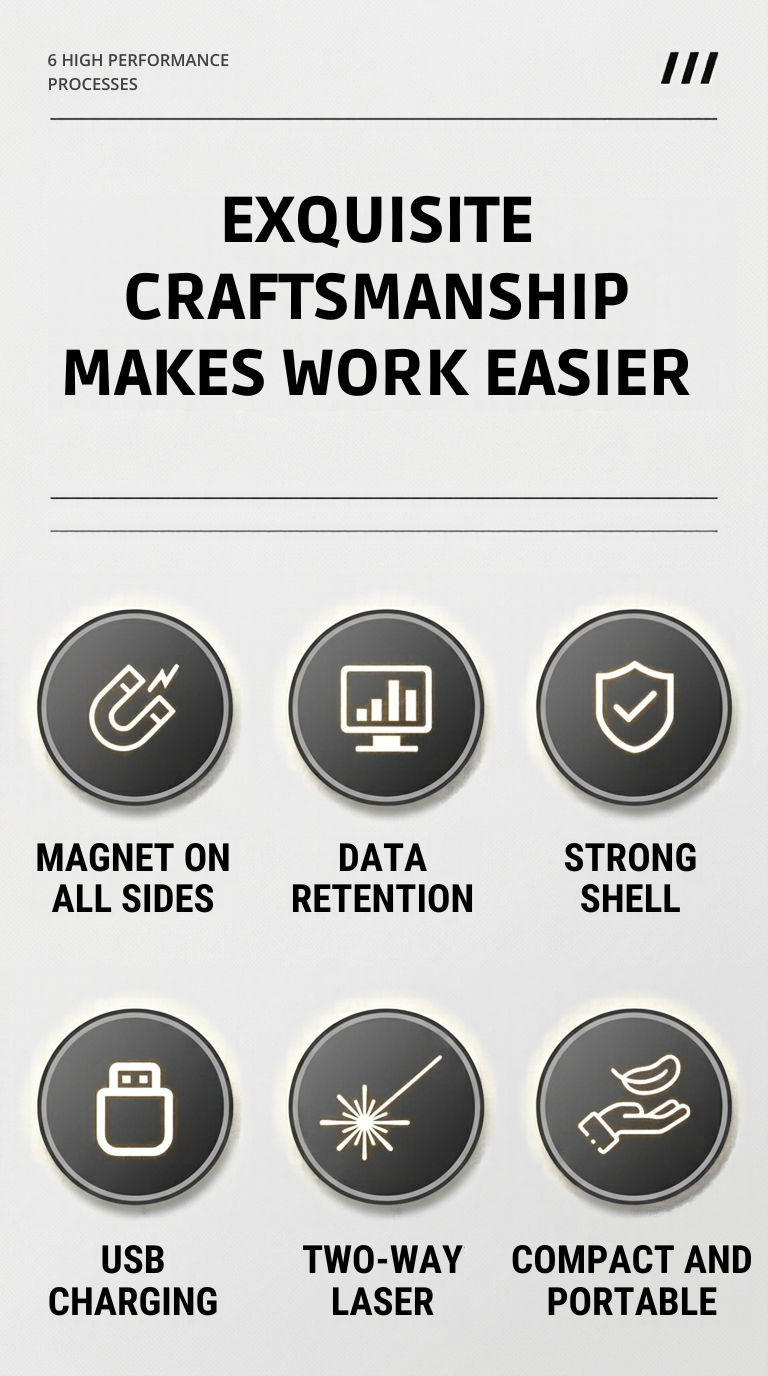
Six round icons for magnets, data hold, the shell, USB charging, the two-way laser, and compact size
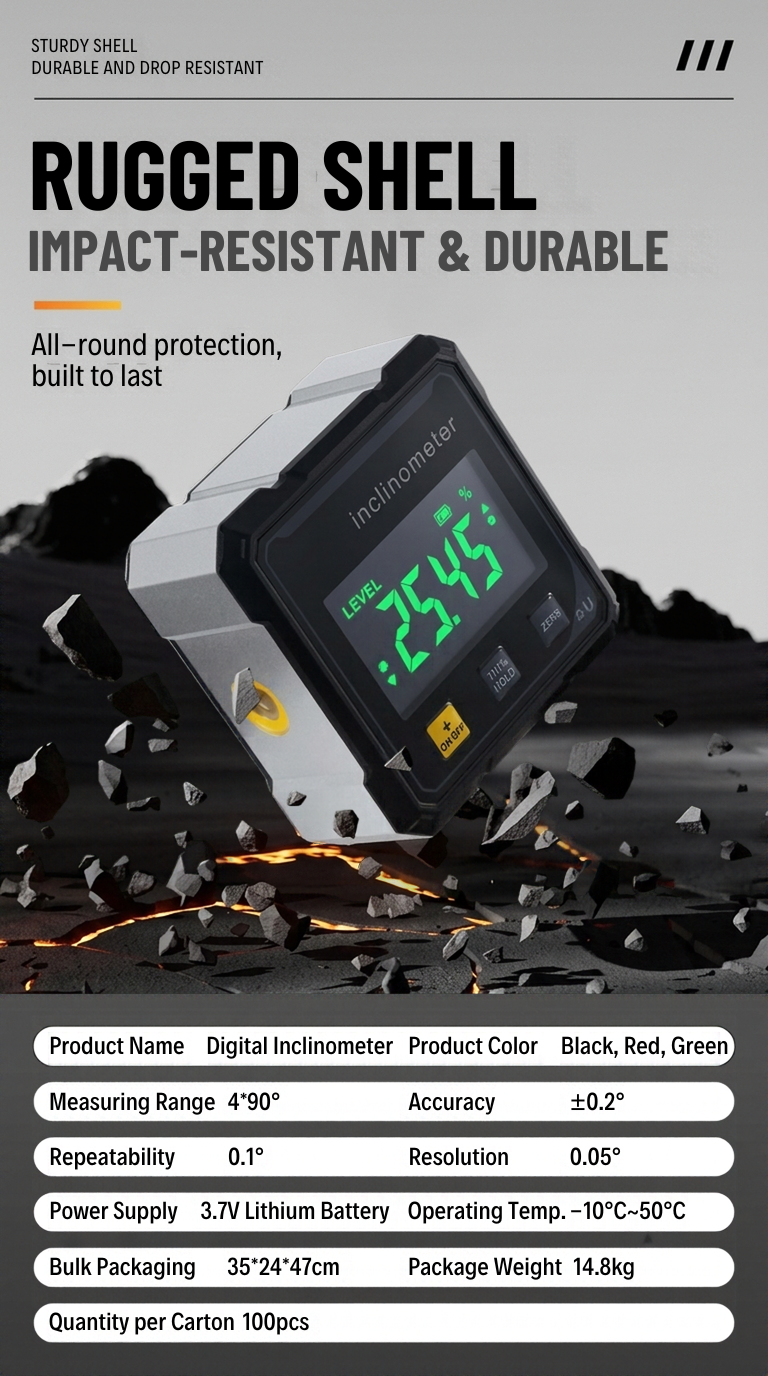
Digital angle finder among flying rock fragments above the maker's table of range, accuracy, resolution and battery figures
The digital angle finder on white: display, ON/OFF, Tilt%/HOLD and ZERO buttons
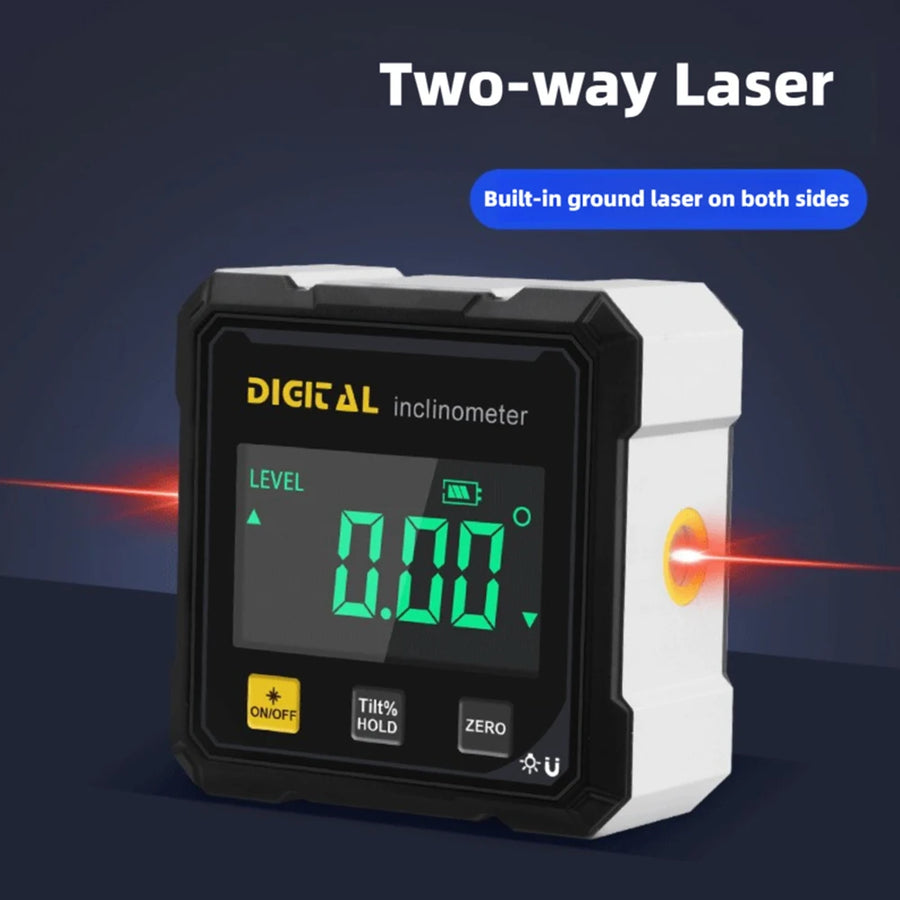
Graphic of the two-way laser: a red line leaving the left and right sides of the angle finder
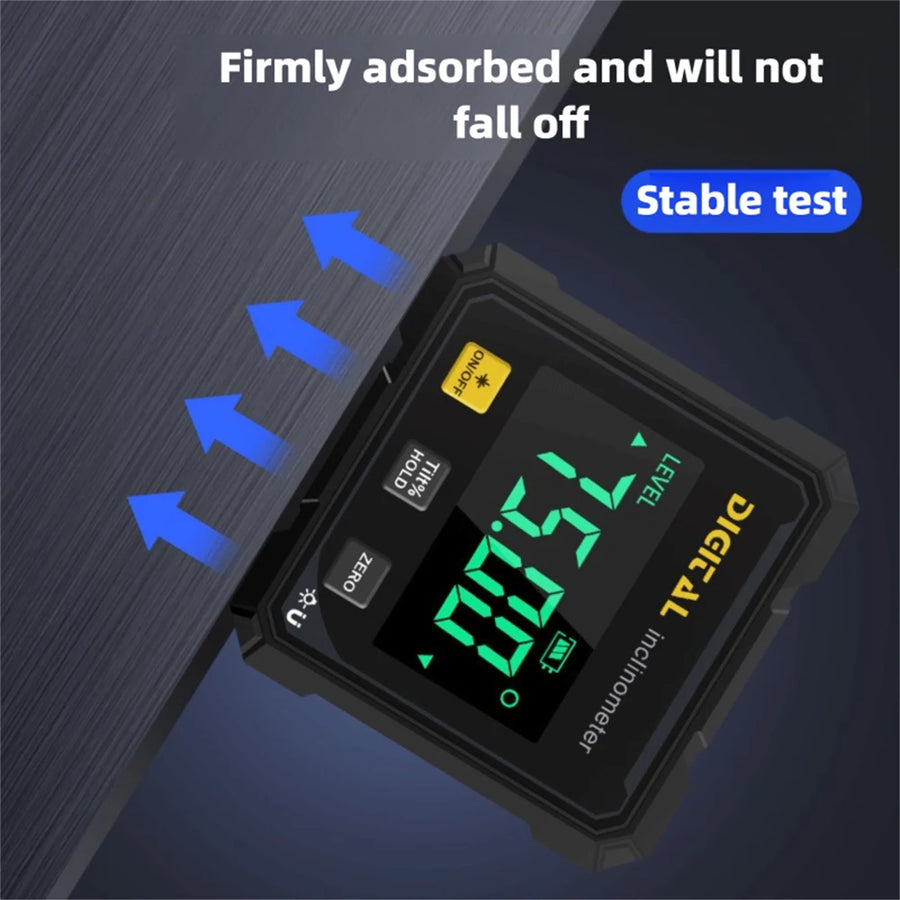
The angle finder holding by its magnets against a tilted steel surface
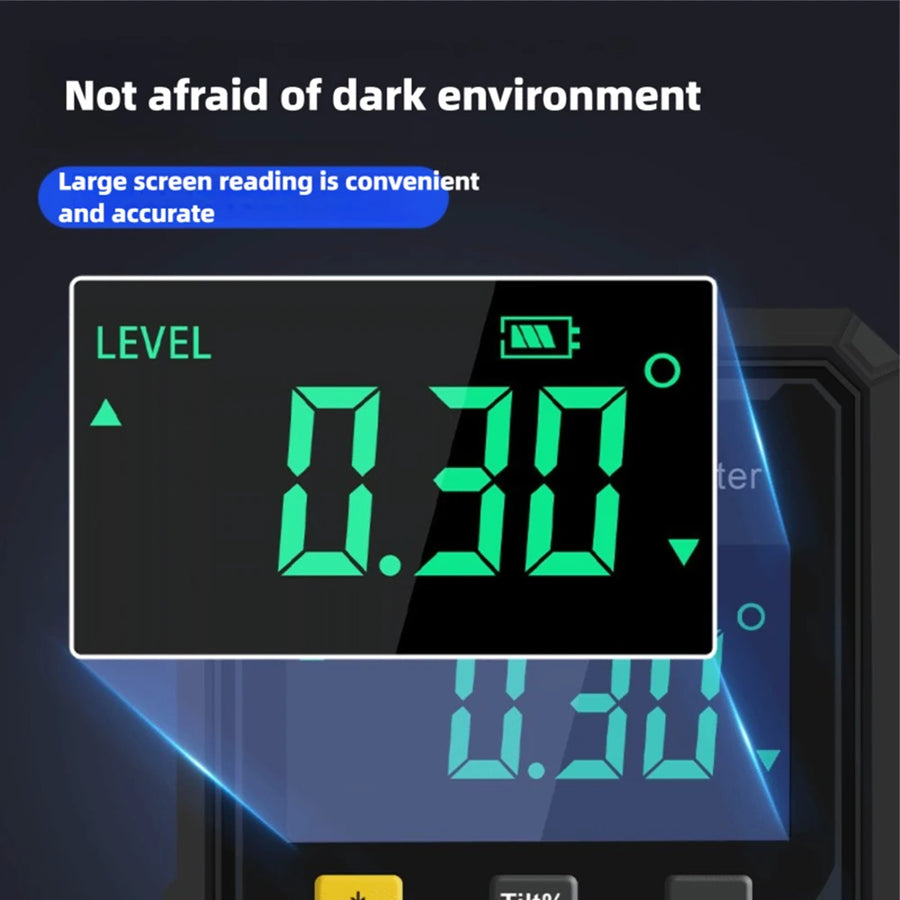
Close-up of the backlit display reading 0.30 degrees in a dark room

Digital display · Two-way laser · Magnetic

Digital Angle Finder with Two-Way Laser

It fits a pocket and does two jobs: the display reads the angle of whatever it stands on, in degrees or slope %, and a red laser line from both sides lines up the next part, such as a second drawer slide. The maker publishes no laser class, wavelength or output power for this tool, so we do not state one. Never look into the beam or into the side openings, and never point the laser at people, animals, vehicles or aircraft.
How many angle finders

The pair is two separate angle finders in one order and may come in more than one package. Free US shipping. Estimated delivery: 7–15 business days from order, processing included. Battery-powered tools tend to arrive toward the longer end of that window.

2 angle finders Total $99.99
$50.00 each (rounded) You save $9.99 vs buying two singles Free US shipping

  • Free US shipping on both packs
  • 30-day returns on unused items
  • Estimated delivery: 7–15 business days

Digital angle finder + laser line

Read the angle. Throw the line.

Stand it on a shelf and read how far off level it sits. Zero it on one part and read the angle to the next. Line up a second drawer slide with the red laser line. It rides in a pocket and charges by USB-C.

The digital angle finder reading 0.00 degrees, with a red laser line leaving each side
  • Reads in degrees or slope %
  • ZERO key: measure one part from another
  • Magnets on four sides
Diagram of absolute and relative angle measurement: unit at 0.00° and 15.00°, then three steps using the ZERO key

How it measures

From level, or from a surface you choose.

Switched on, it measures against the horizontal. Press ZERO and it measures from the surface it is standing on instead. Which one you use depends on the job: is the part meant to sit level, or to meet a second part at a set angle?

  • Absolute: against level

    Switch it on and stand it on the work. The display shows the angle from horizontal. In the maker's diagram a level surface reads 0.00° and one tilted 15° reads 15.00°.

  • Relative: from your own zero

    Stand it on the reference surface and short-press ZERO: the display reads 0.00°. Move it to the second surface and the number is the angle between the two. With the saw unplugged, zero on the table, then read the blade.

  • Stand it on an edge

    Any of its four edges will do. Laid flat on its back it has no tilt to read, so the display shows Err; the laser still draws its line along the surface, such as along a tile joint.

The diagram's worked example: zero on a surface at 20°, move to one at 45°, and the display reads 25.00°. The diagram draws the tool in black; the one sold has a silver-gray body.

Specifications

The maker's numbers

Every figure below is the maker's, taken from its specification table, dimension drawings and product panels.

±0.2°*

accuracy

How close a reading is to the real angle.

0.1°*

repeatability

How closely repeat readings of one angle agree.

0.05°*

resolution

The smallest step the display shows.

4 × 90°*

measuring range

Four quadrants of 90° each, per the maker's table.

2.4 in*

square, 1.2 in deep

60 × 60 × 30 mm, from the maker's drawing.

3 min*

auto shut-off

Switches itself off after 3 minutes without use, per the maker.

* Rated figures are the maker's own. We have not bench-tested them. This is not a certified measuring instrument, and the maker mentions no calibration certificate. No certification is claimed for this tool.

Digital angle finder with dimension lines marked 6 cm wide, 6 cm tall, and 3 cm deep

Full specifications

What it is
A digital angle finder, also called an inclinometer or angle gauge The word “inclinometer” is printed on the face.
Measuring range
4 × 90° Four quadrants of 90° each.
Accuracy
±0.2°
Repeatability
0.1°
Resolution
0.05°
Units
Degrees (°) or slope (%)
Display
Lit digital display with green digits Flips when the tool is upside down, so the digits read the right way up; on a side edge they read sideways. The maker describes it as readable even in daylight.
Keys
ON/OFF (the yellow key), Tilt% / HOLD and ZERO What each key does is under “Before you order.”
Laser
Red line from an opening on each side of the body The maker publishes no laser class, wavelength or output power for this tool, so we do not state one. Not a toy. Keep it out of the reach of children.
Magnets
Built into all four sides Contains magnets. Keep it away from pacemakers and other implanted medical devices.
Power
Built-in 3.7 V lithium battery, charged through a USB Type-C port
Auto shut-off
After 3 minutes without use
Operating temperature
14 °F to 122 °F (−10 °C to 50 °C)
Size
2.4 × 2.4 × 1.2 in (60 × 60 × 30 mm) The picture shows the same size in centimeters: 6 × 6 × 3 cm.
Body
Silver-gray body with a black face. One finish; no other colors are offered The maker does not name the material.
Origin
China

In the box

  • The digital angle finder

Each pack contains the number of angle finders shown. The maker publishes no contents list, so we do not promise a USB cable or a pouch.

A closer look

Laser line, pocket size, slope key, display

The note under each picture adds what the picture leaves out.

Digital angle finder on a dark ribbed floor with a red laser line leaving both sides of the body

Laser line from both sides

A red line leaves the brass-colored opening on each side and runs along the surface behind the tool, to line up a second drawer slide with the first. It follows the tool: tilt the tool and the line tilts with it. Never look into the beam or into the side openings, and never point the laser at people, animals, vehicles or aircraft.
Hand holding the digital angle finder between thumb and fingers in a workshop, display reading 0.00°

Pocket size, for narrow work

Small enough to hold between a thumb and two fingers and to carry in an apron pocket. It fits where a level has no room: against a drawer slide, on a shelf, on top of a wall outlet's cover plate.

Two digital angle finders, one displaying 40.00° and one displaying 25.45%, with tags for angle and slope

Degrees or slope %

Hold the Tilt% / HOLD key for 2 seconds and the display switches from degrees to slope in percent. A short press of the same key holds the reading, so you can lift the tool out from under a frame or the back of a cabinet and still read it.

Digital angle finder with a silver body tilted on a dark stone pedestal, green display reading 25.45

Lit display, two decimal places

Green digits on a lit display show the angle to two decimal places. The maker rates the resolution at 0.05° and the accuracy at ±0.2°, so the second decimal is finer than the rated accuracy.

Using it

Place it. Read it. Follow the line.

  1. Place it on the work

    Stand it on one of its edges, on top of the part or against its side: on a shelf, along a drawer slide. On iron and steel the magnets hold it there; on wood, tile or aluminum, keep a hand on it.

  2. Read the number

    Move the part and watch the number change. Stop when it reads what the job calls for, or short-press ZERO on a first part and bring the second one to match. If you cannot see the display where the tool sits, short-press Tilt% / HOLD and lift it out.

  3. Follow the laser line

    With its back against a surface, the tool throws its laser line along that surface: across a cabinet side to set two drawer slides, or along a tile joint. How far the line shows depends on the light; the maker gives no figure. Then check the next part by the number.

Compared

Angle gauge with a laser line, or without?

Three small tools for lining work up, and what each one does and does not do.

FeatureThis angle finderAngle gauge, no laserSmall line laser
Shows the angle as a number
Measures the angle between two partsYes, with ZERO Varies
Reads slope in percent Varies
Projects a laser lineYes, both sides
Line stays level when the tool tiltsNo, it follows the tool No laser Varies
Holds itself on steelYes, four sides Varies Varies
Recharges by USB-C Varies Varies
Fits a pocket Varies

Compared by type of tool, not by brand.

Free shipping on orders of $49 or more. Below that, standard shipping is a flat $4.95 to any of the 50 US states. Estimated delivery: 7–15 business days from order, processing included. Battery-powered tools tend to arrive toward the longer end of that window. Shipping & Delivery.

30-day returns. Items must be unused and in their original packaging. Email support@nexuratool.com with your order number to start a return. Returns & Refunds.

30 days from delivery. Email support@nexuratool.com with your order number and what you want to return. We reply with a return address — do not send anything back before you have it, or we cannot match the parcel to your order.

What we can take back: unused items in their original, undamaged packaging. Adhesives, sealants and lubricants cannot be returned once opened; the same goes for any item with a broken safety seal. That is a safety and hazardous-goods rule, not a preference.

Who pays: return shipping is paid by you, except when the item arrived damaged, faulty or was not what you ordered — then we cover it and refund the original shipping too.

Refunds go back to the original payment method within 5–10 business days of the return reaching us. Full returns policy.

QUESTIONS PEOPLE ASK

Before you order

How do I zero it, hold a reading or switch to slope %?

Does it read on its side or upside down?

Is the laser line a level line?

Will the magnets hold on aluminum or wood?

How do I charge it, and how long does a charge last?

Can I use it for inspection or code work?

How do I use the laser safely?

Can it get wet, or be dropped?

What if it arrives damaged or faulty?

How long does delivery take, and can I return it?

Stop eyeballing it. Put a number on it.

One angle finder for the toolbox, or the pair so one stays at the saw and one goes out to the job.

Free US shipping · 30-day returns on unused items